Using the World Map to search for rides
Last updated About 2 years ago
You can now browse the full collection of FulGaz rides using an interactive world map!
To access the map, tap on the "pin" icon in the top left corner of the main menu. You can then drag, zoom and scroll to view ride locations across the globe. More detailed in-app filtering options are available by tapping on the "sliders" button in the top right corner of the screen.
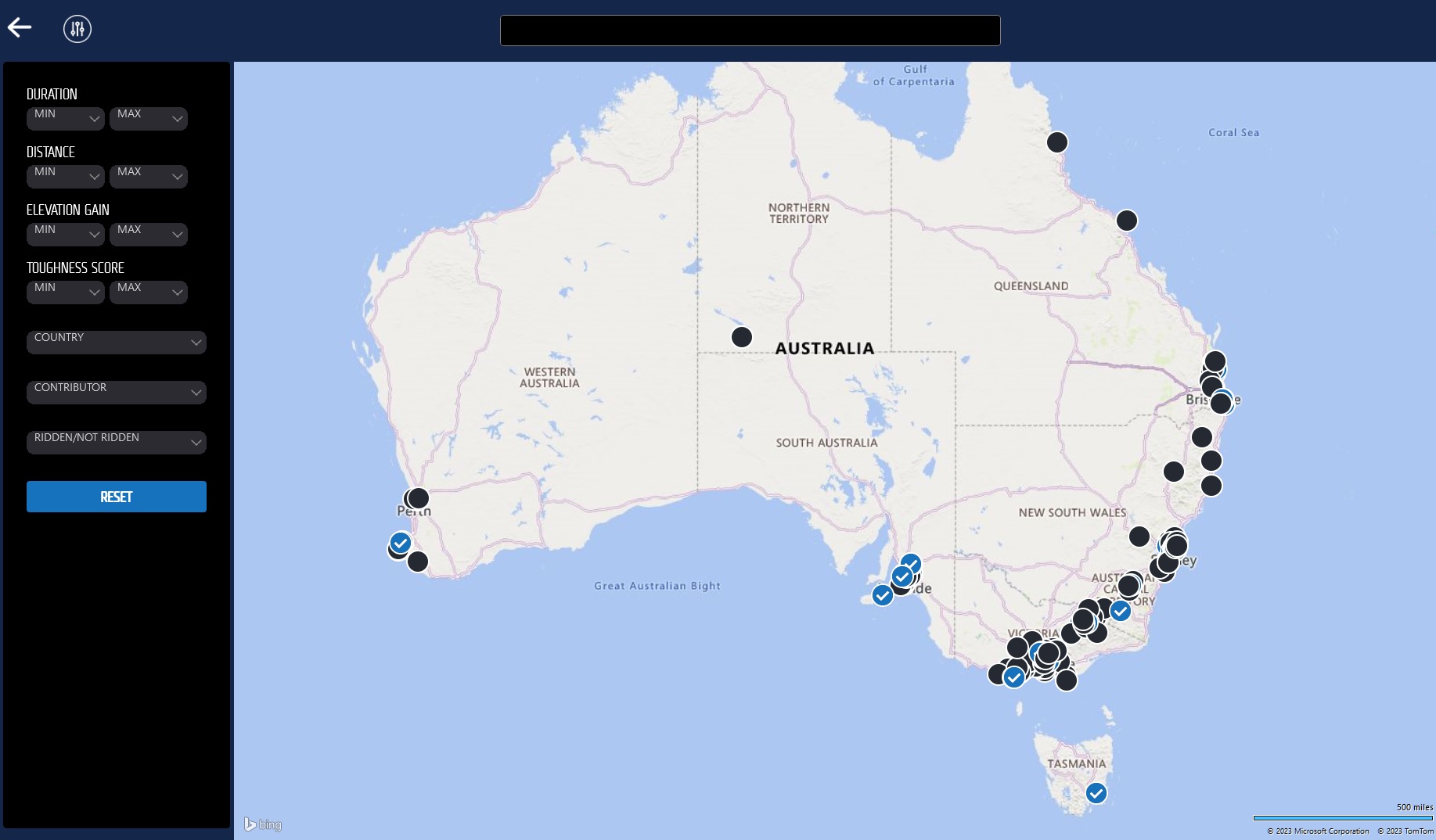
Blue tick = Rides you have ridden before
Black dot = Rides you have not ridden yet
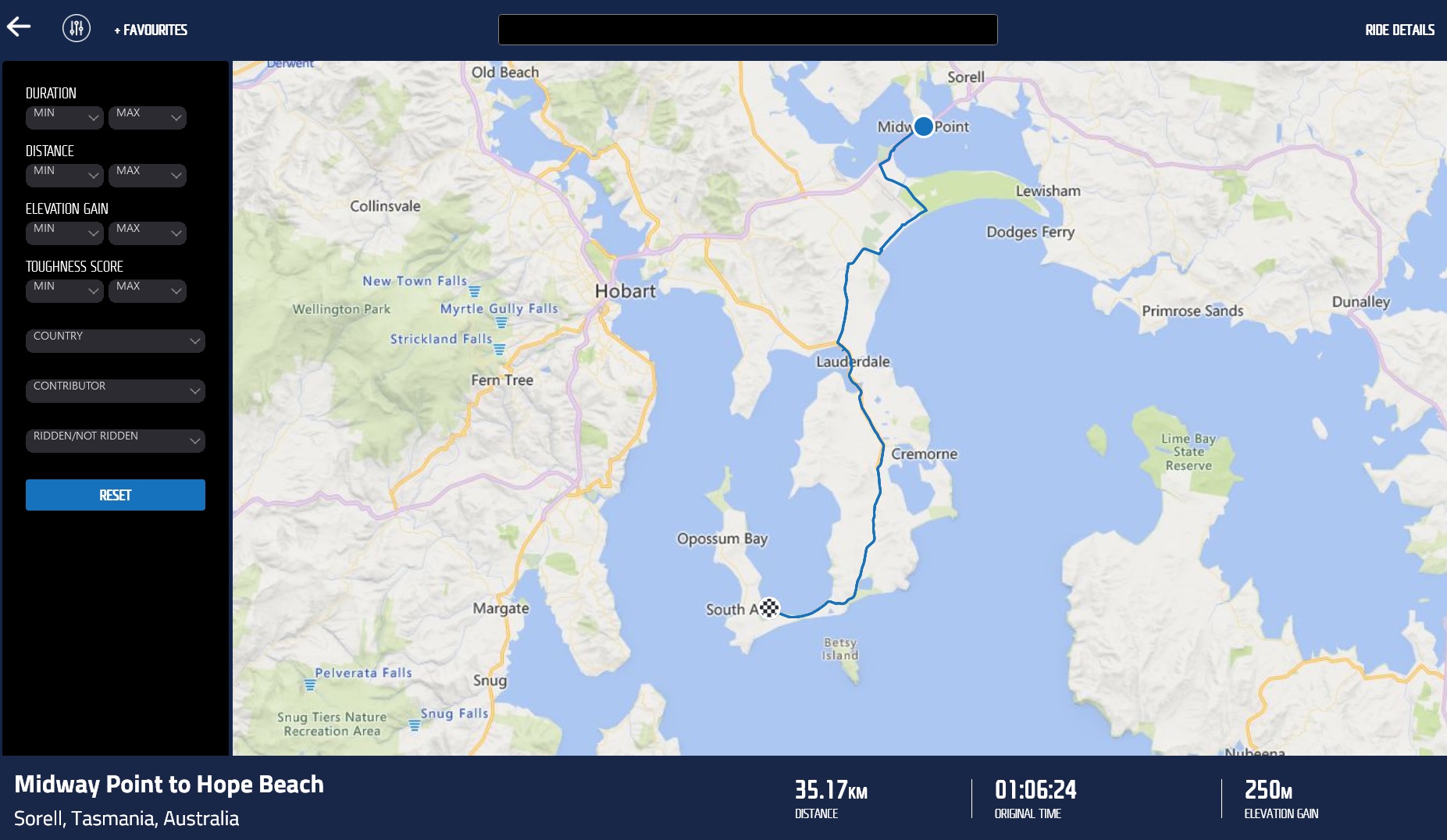
Tap on a ride to open a summary and course map, then "pinch" the screen to zoom in or out. Found a ride you love? You can add it directly to your favourites by tapping the "+FAVOURITES" button in the top right of the screen. With FulGaz, the world really is your oyster!
NOTE: This mapping feature is not available on Apple TV unfortunately.
Was this helpful?
Still need help? Ask the team