How to delete my account
Last updated About 2 years ago
If you wish to delete your FulGaz account please begin by first cancelling your FulGaz membership on your Member's Page. This will stop future charges to the credit card on file with FulGaz.
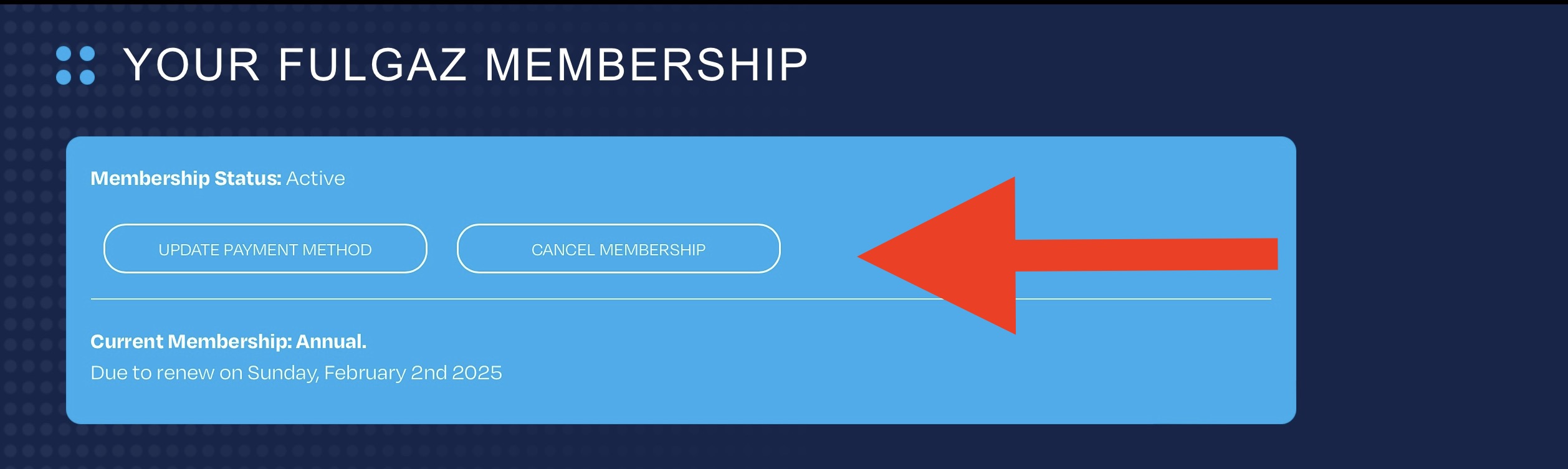
Once you've cancelled your FulGaz membership, please go into Settings within the app and tick "Delete FulGaz Account."
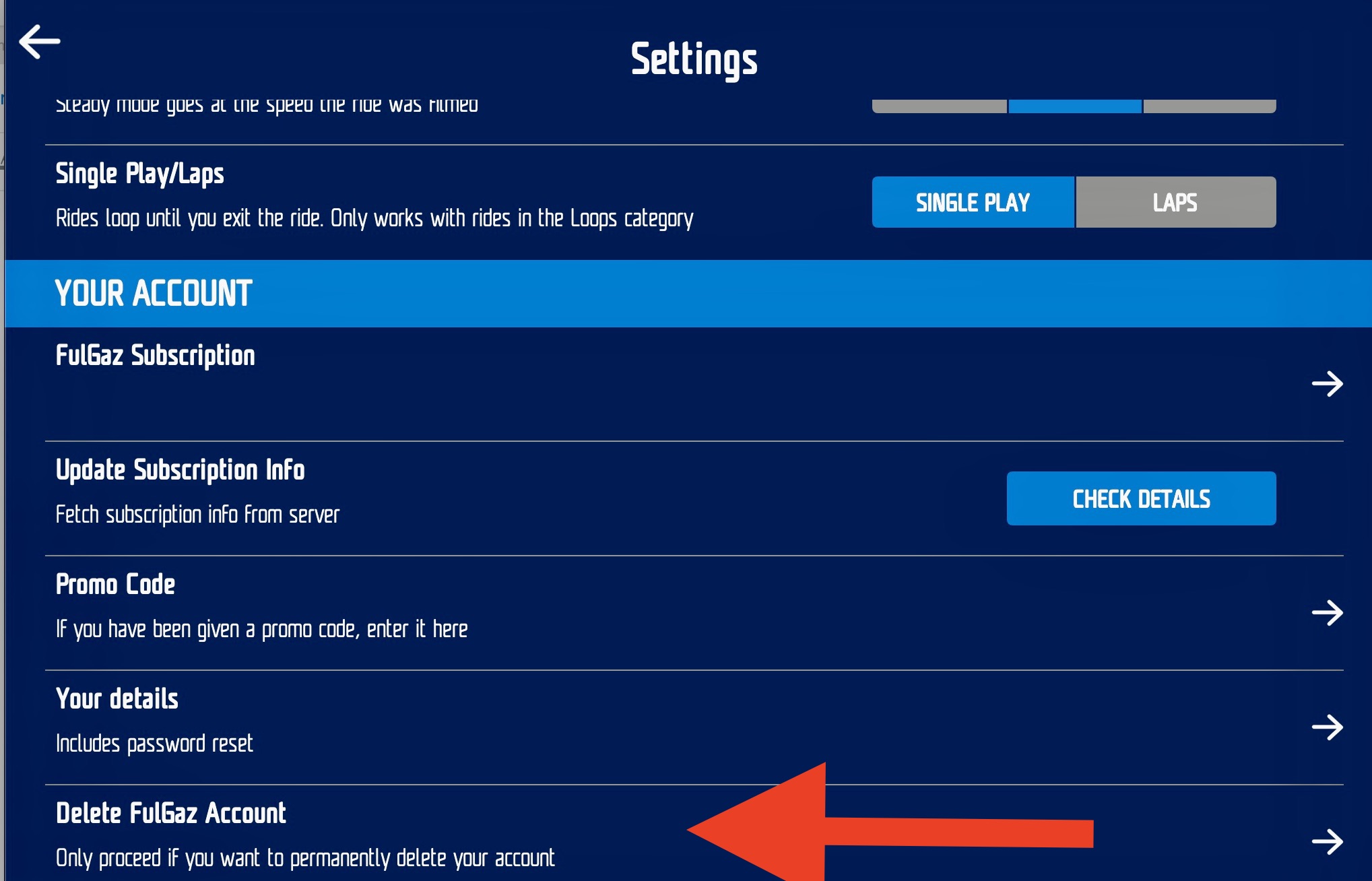
On the next screen you will be prompted to delete your account. This action cannot be reversed.
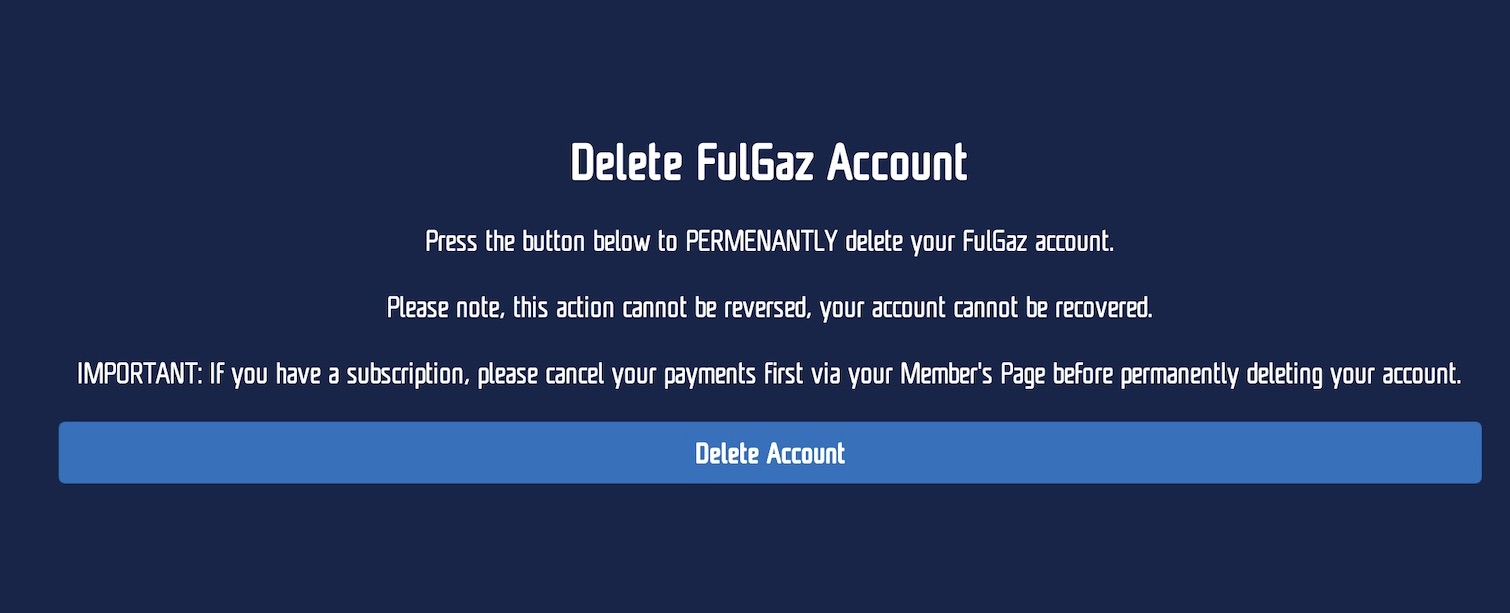
Then, if you would like to have your FulGaz account and associated data deleted from our system, please send us a support ticket with your name and registered email. We will action this for you, and then email you to confirm once your account has been deleted.
Was this helpful?
Still need help? Ask the team