Changes to workouts on FulGaz
Last updated About 2 years ago
A recent FulGaz update included some big changes to workout functionality. This update adds three much-requested enhancements to FulGaz workouts.
1) Workout distance and speed now synced to power
Workouts on FulGaz will now calculate your final distance and average speed based on your power during the ride. Previously this was based on the original video's recorded speed and distance.
Ride videos for workouts still need to be ridden in Steady Mode (1.00x original speed), but the final calculated distance and speed at the end of your workout will be based on your efforts.
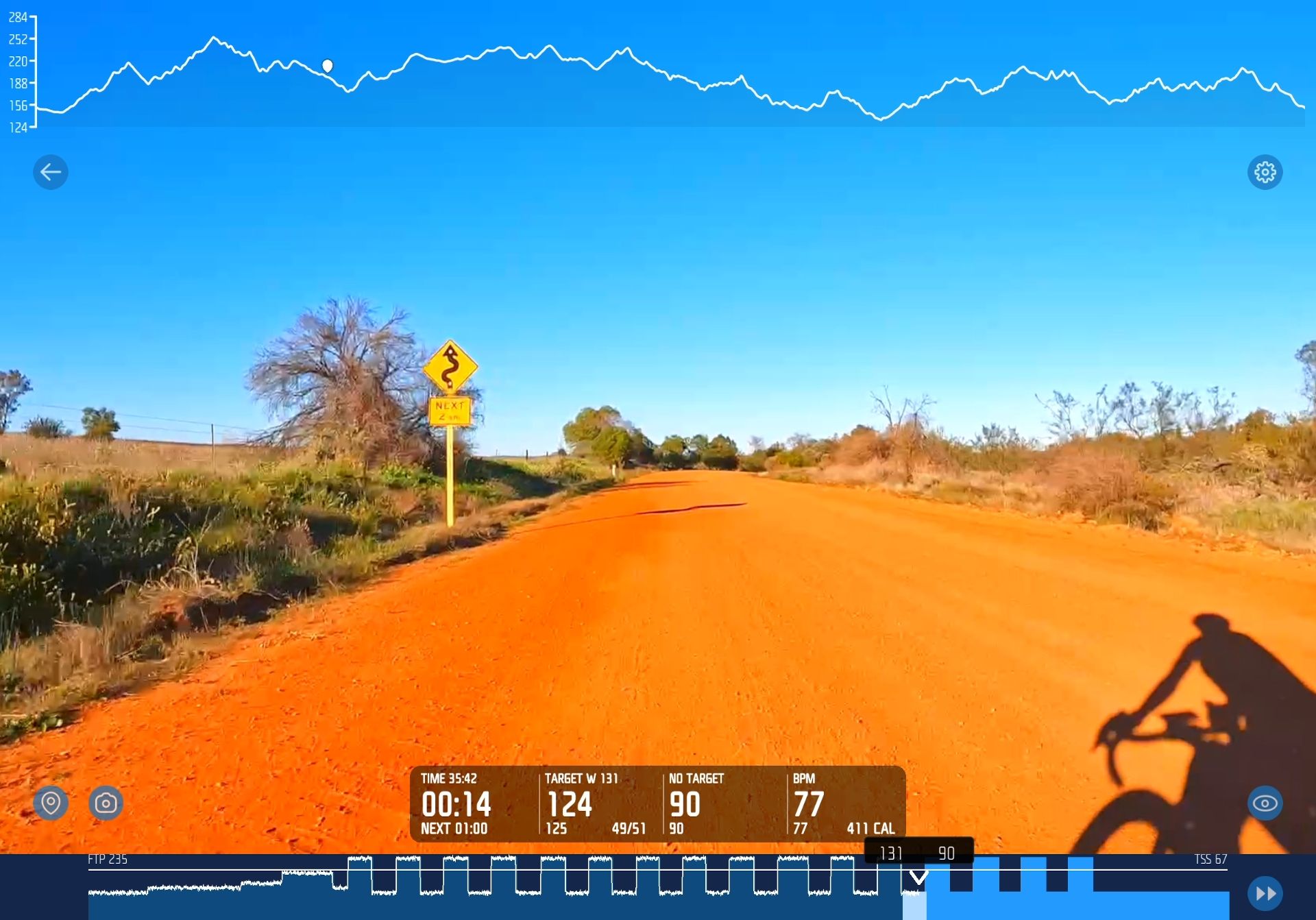
When your interval workout is upload to any connected sites, it will now appear as a "workout" instead of a virtual ride. As such, there will be no GPS data, elevation data, or virtual map. Below is an example of how the ride data will look once uploaded to Strava:
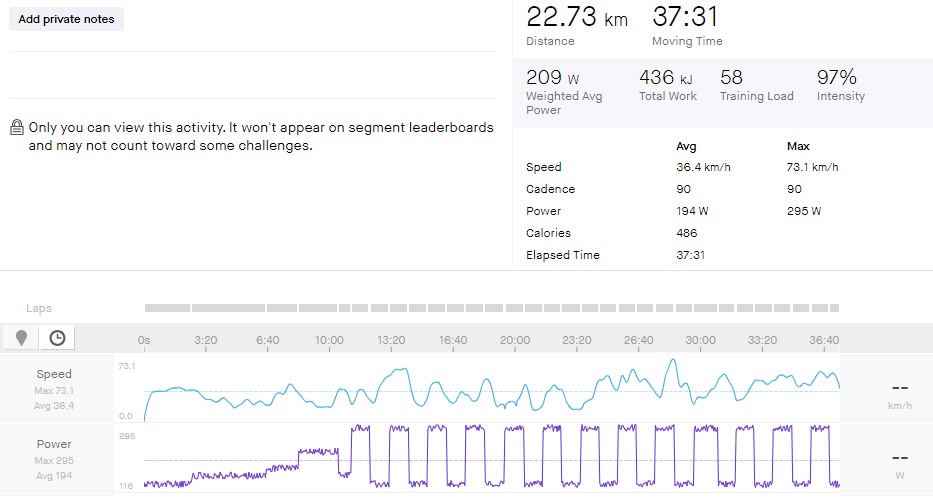
The upload still gives you all of your important metrics, and you will still be able to analyse your efforts and log all of your power, cadence, and heart rate data as usual.
NOTE: If looking at the data in the post-ride email or uploading to non-connected sites using the FIT file, for now this will still display the original "steady mode" speed and distances.
2) Ability to "loop" shorter rides and sections
You can now choose a ride that is shorter than your workout, or a short section of any ride, and your workout will automatically loop the ride video once it has completed, enabling you to keep riding.
Previously, you did need to choose a ride video that was longer than your workout, otherwise the ride would end before your workout was completed. Now you can choose any ride you like, even if it is shorter than your intended workout. FulGaz will automatically restart the ride video from the beginning if it completes before your workout does.
This feature applies to any ride video. You can even create a short section of a longer ride video and use that to train on for your workouts, having it replay multiple times throughout your workout.
3) Skip interval blocks
Want a shorter warm-up? Need to skip that harder interval? You can now skip any interval block during your FulGaz workout. To skip an interval, tap on the >> button in the bottom right hand corner of the screen (next to your intervals graph).
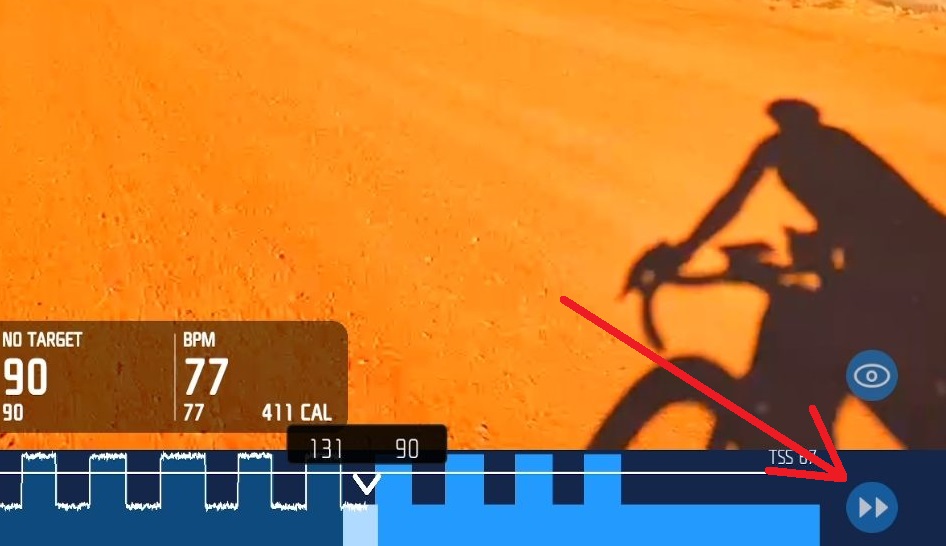
Note that it is only possible to skip forward through your interval blocks, there is no option to go back and repeat previous blocks.
Unfortunately this skip feature is not available on Apple TV.
Was this helpful?
Still need help? Ask the team