How to connect your Strava account to FulGaz
Last updated Over 1 year ago
Connecting your Strava account to FulGaz
Connecting your Strava account to FulGaz is easy and once authorised, FulGaz will automatically sync all your rides across to your Strava account each time you upload after a ride. You can sync automatically from FulGaz to either a free or paid-subscription Strava account.
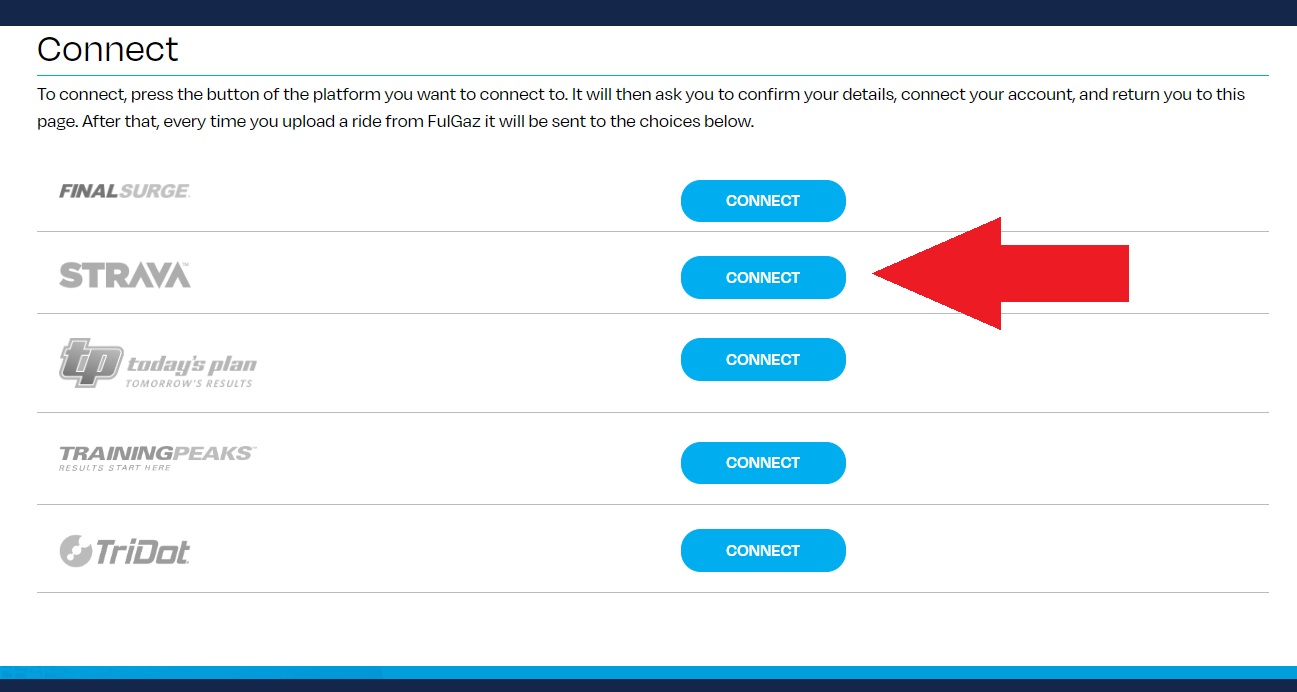
To connect your Strava, simply log into your Member's Page, then navigate to CONNECT.
Under the Connect heading, click on "Connect" next to Strava, then authorise the connection on the following page. You can also link your TrainingPeaks, TriDot, or Final Surge accounts to FulGaz from your Member's Page.
If your FulGaz rides have stopped automatically uploading to Strava, you may need to revoke access and reconnect the two accounts. Please see this article for more information.
Was this helpful?
Still need help? Ask the team