How to download FulGaz and register your account
Last updated About 2 years ago
FulGaz is available for Mac, Apple TV, iOS, Android, and Windows 10/11. App downloads are only available via the official App Store on your device, this includes Windows. FulGaz for Windows is only available for download through the Microsoft Store (no direct external file download option).
There are two ways to register for your FulGaz account and free trial, Via the app after downloading from your App Store, or via the FulGaz website.
There is no need to enter payment details or choose a subscription when starting a free trial.
1) Via the FulGaz app
The first step is to install FulGaz on your device! You can use the link below, or search for "FulGaz" in the Apple App Store, Play Store for Android or the Microsoft App Store. Once installed, launch FulGaz on your device and click on LETS GO! You will then be prompted to either log in or create a new account. Select the “Create Account” button.

Complete your details on the following screens including your email, full name, username and a unique password, plus some personal information such as weight and country. If you have been given a promo code to use (for example for an event or clubroom entry) please enter it while registering also.
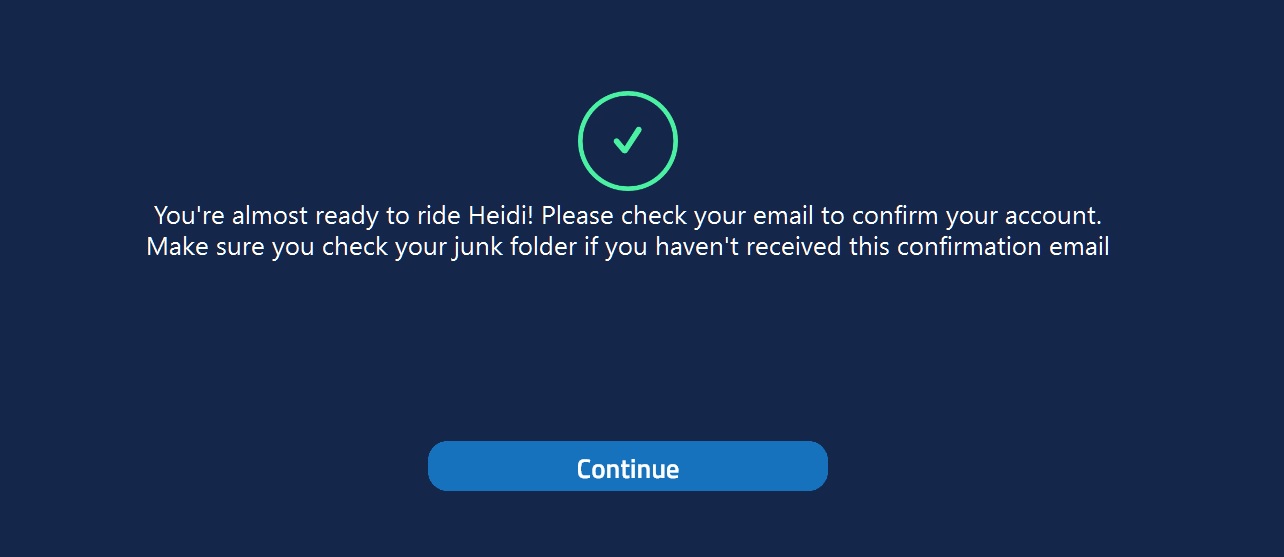
Once you have entered all of your details, you will need to confirm your email account. When presented with the screen below, tap on CONTINUE to be sent the account activation email. You'll then need to open the link in the email and confirm your email address to get started.
If you forget to enter your promo code, don't worry! You can also enter it from within the settings menu in FulGaz under settings -> you account -> promo code.
See also: Using a promo code in FulGaz
Once you have completed your registration, your free trial will be activated and you will be ready to ride and explore the world on FulGaz!
2) Register via the FulGaz website
You can also register for your FulGaz account via the website. Simply use the link below to be taken to the account registration page, then follow the prompts to complete your account registration. Once registered, download FulGaz to your chosen device and log in!
#fulgazapp
Was this helpful?
Still need help? Ask the team